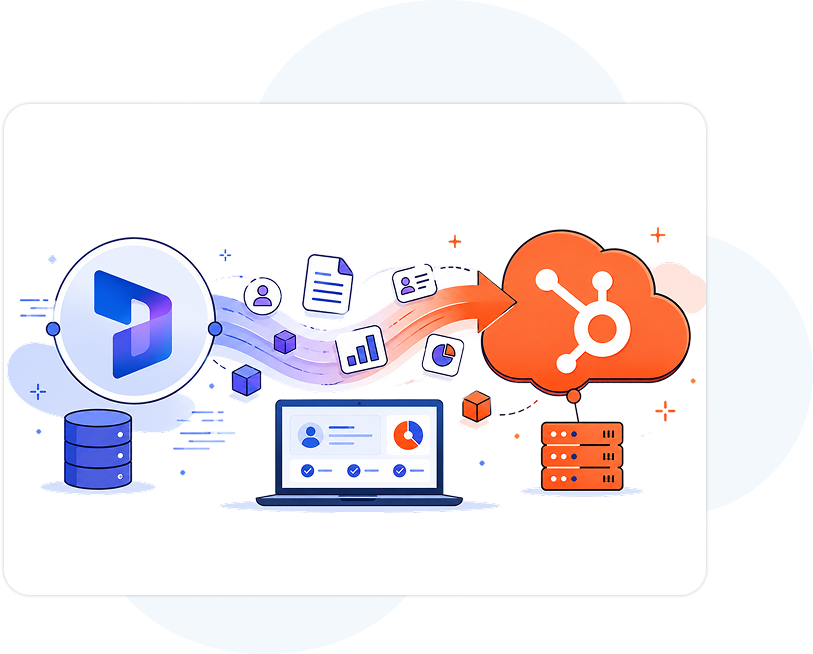
Migrate from Microsoft Dynamics to HubSpot the Right Way with DataCaptive
Seamlessly migrate your CRM data, automations, and business processes from Microsoft Dynamics to HubSpot with minimal downtime, improved efficiency, and scalable growth.
Why Businesses Move From Microsoft Dynamics To HubSpot
End-to-end HubSpot migration services built to simplify operations, improve adoption, and create a connected revenue engine.
Lower CRM Complexity
Replace complex Dynamics environments with a user-friendly HubSpot platform built for marketing, sales, and service teams.
Faster Team Adoption
HubSpot’s intuitive interface helps teams onboard quickly and improve productivity across departments.
Better Marketing & Sales Alignment
Unify marketing automation, sales pipelines, and customer data in one centralized CRM ecosystem.
Smarter Automation
Build automated workflows, lead nurturing, reporting, and lifecycle management without technical complexity.
Scalable for Growth
Scale your revenue operations with flexible HubSpot tools designed for growing businesses.
DataCaptive’s Microsoft Dynamics to HubSpot Migration Expertise
Move from Microsoft Dynamics to HubSpot with a migration strategy focused on simplifying CRM operations, improving automation, and creating a better experience for sales and marketing teams. We help businesses transition to HubSpot while maintaining data accuracy, workflow continuity, and operational efficiency throughout the migration process.
Dynamics CRM Data Migration (objects, custom fields, records, attachments)
Sales Pipeline & Workflow Migration
Lead Management & Lifecycle Setup
Marketing Automation Recreation
User Roles, Teams & Permission Mapping
Third-Party Business App Integrations
CRM Data Validation & Quality Checks
Accounts
Contacts
Leads
Opportunities
Cases
Activities
Workflows
Companies
Contacts
Deals
Tickets
Activities
Marketing Automation
Pipelines & Dashboards
What We Ensure
Secure CRM Data Transfer
Accurate Field & Property Mapping
Sales Pipeline Recreation
Workflow & Automation Continuity
Clean, Structured & Validated CRM Data
DataCaptive’s Proven Migration Process
A structured migration framework designed for accuracy, speed, and long-term CRM success.
Discover & Audit
We analyze your current Microsoft Dynamics setup, workflows, integrations, and business requirements before migration.
Strategy & Planning
Our team creates a customized migration roadmap aligned with your sales, marketing, and operational goals.
Migrate & Configure
We securely transfer CRM records, workflows, pipelines, and configurations into HubSpot following best practices.
Integrate & Automate
Connect your existing business tools and build automated workflows that streamline revenue operations.
Test & Validate
We perform extensive testing and data validation to ensure migration accuracy and system reliability.
Train & Optimize
Enable your teams with HubSpot training, adoption support, and continuous CRM optimization.
Real Impact for Revenue Teams
40%
Faster CRM Adoption
30%
Improved Sales Productivity
25%
Better Data Visibility
100%
Streamlined Marketing Operations
50%
Centralized Customer Data
90%
Increased Revenue Efficiency
Industries We Serve
SaaS
Technology
Professional Services
Healthcare
Financial Services
Manufacturing
B2B Enterprises
Agencies
Why Businesses Choose DataCaptive for HubSpot Services
Reliable execution, smoother migrations, and better CRM adoption for growing teams.But you need more than Elite. You need exceptional.
Many businesses move to HubSpot for its simpler interface, faster adoption, better automation capabilities, and unified marketing, sales, and customer service tools.
Yes. HubSpot can support migration of contacts, companies, deals, activities, notes, custom properties, workflows, and historical CRM records depending on your setup.
HubSpot is designed to scale with growing businesses by offering flexible automation, centralized customer data, and easy-to-manage CRM operations.
DataCaptive™ Inc.
DataCaptive provides data-driven insights, powered by top-notch data intelligence. We help businesses across the globe refine and optimize their marketing strategies. DataCaptive’s services are designed to drive marketing efficiency and increase ROI. We strengthen the communication channels between businesses and their customers across industries.